> ## Documentation Index
> Fetch the complete documentation index at: https://docs.cloud.red/llms.txt
> Use this file to discover all available pages before exploring further.
# User Properties
> User Properties allows for the customization of Timezone, Date format, and Email Notification
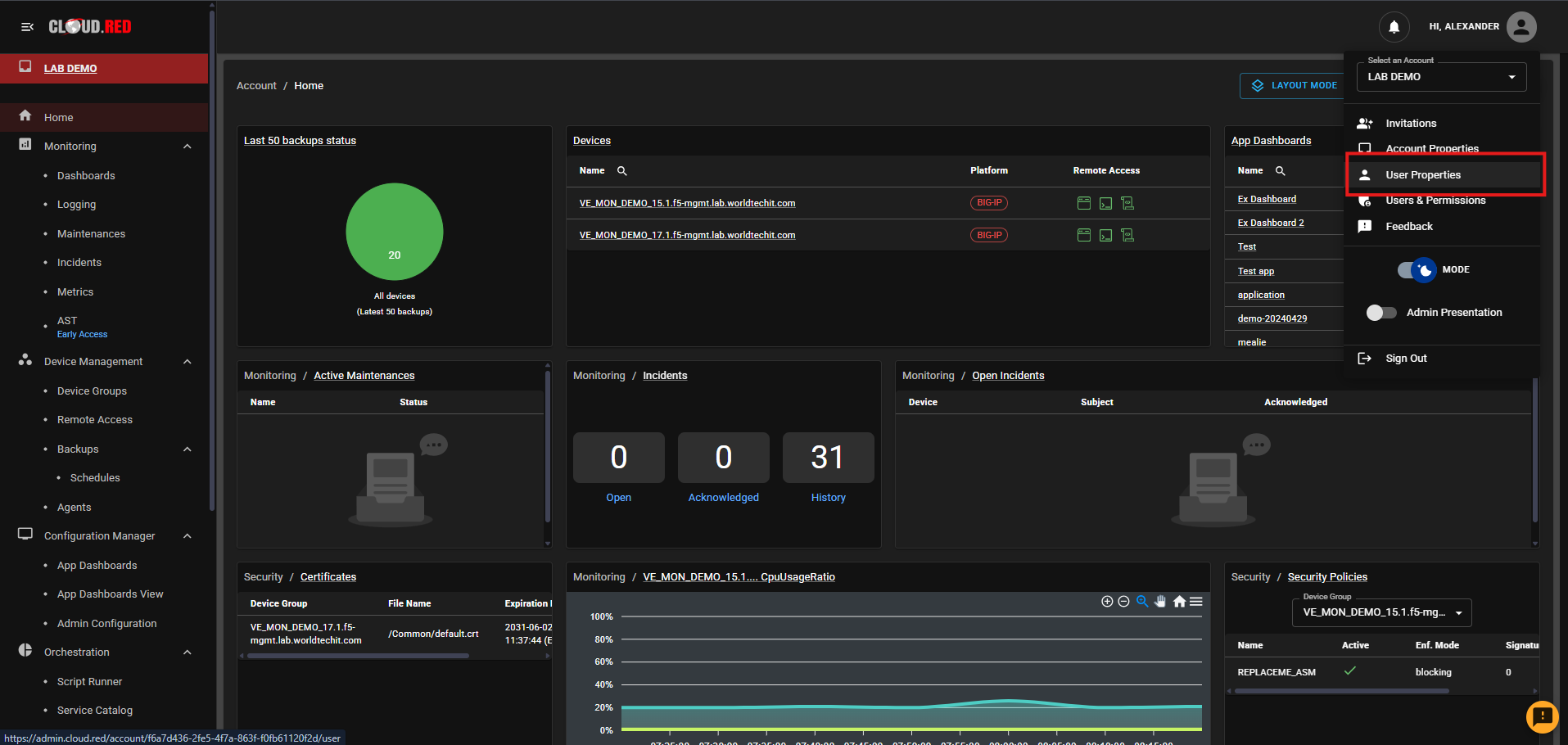
To modify user preferences and notification settings. Navigate to "User Properties" in the upper-right hand navigation.
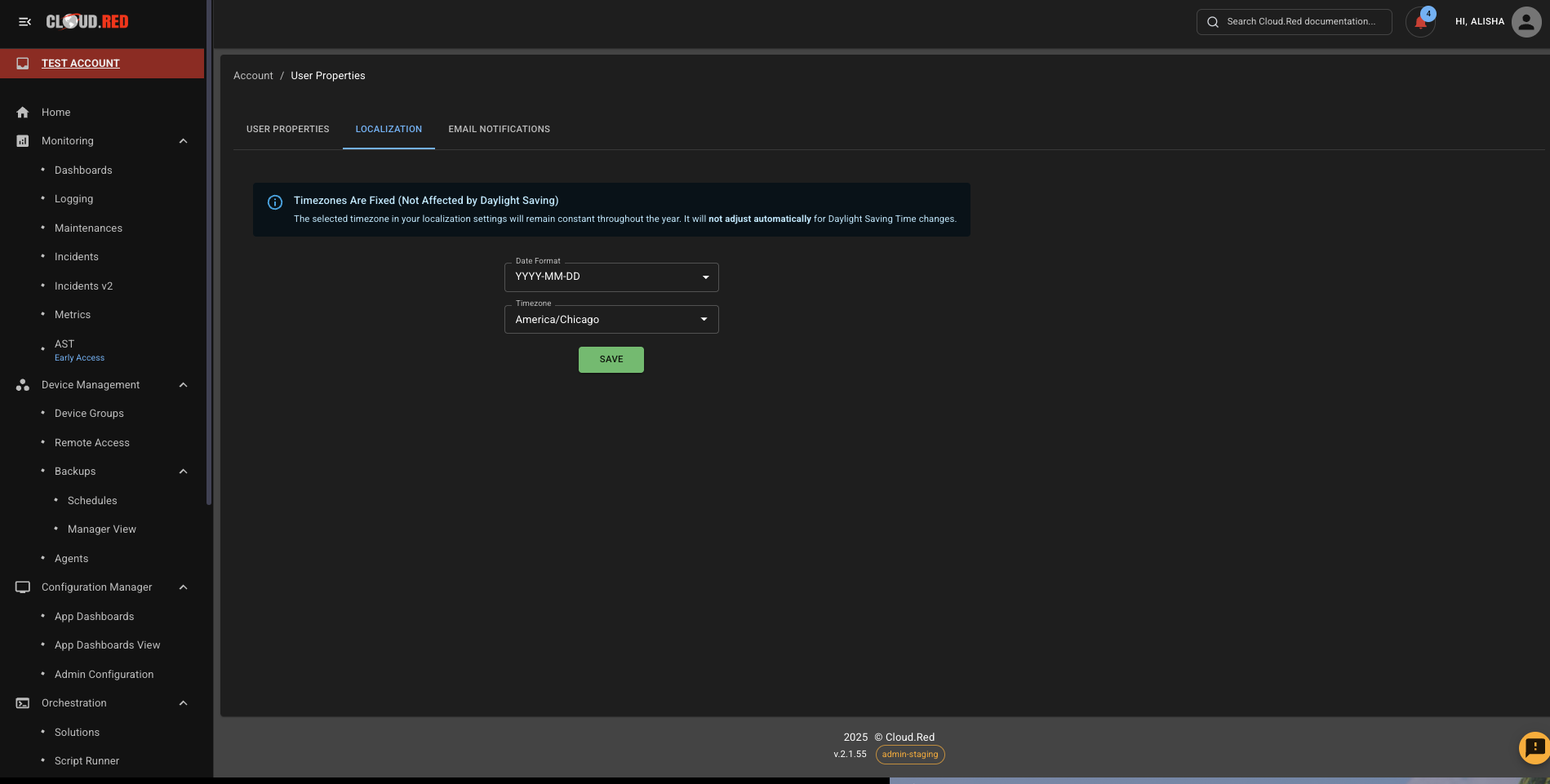
 Select the localization tab to set the desired time zone and date format that is intended to be used across the platform.
The time zone set will be reflected throughout the platform for all timestamps, graphs, or scheduling features.
Select the localization tab to set the desired time zone and date format that is intended to be used across the platform.
The time zone set will be reflected throughout the platform for all timestamps, graphs, or scheduling features.
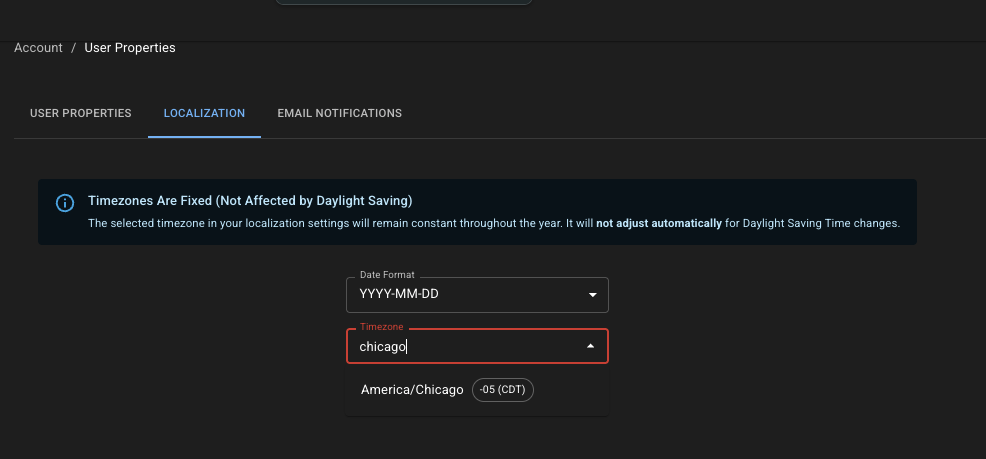
 Users can easily search and filter the timezone menu by typing city or region names — for example, typing “Chicago” will quickly suggest “America/Chicago”.
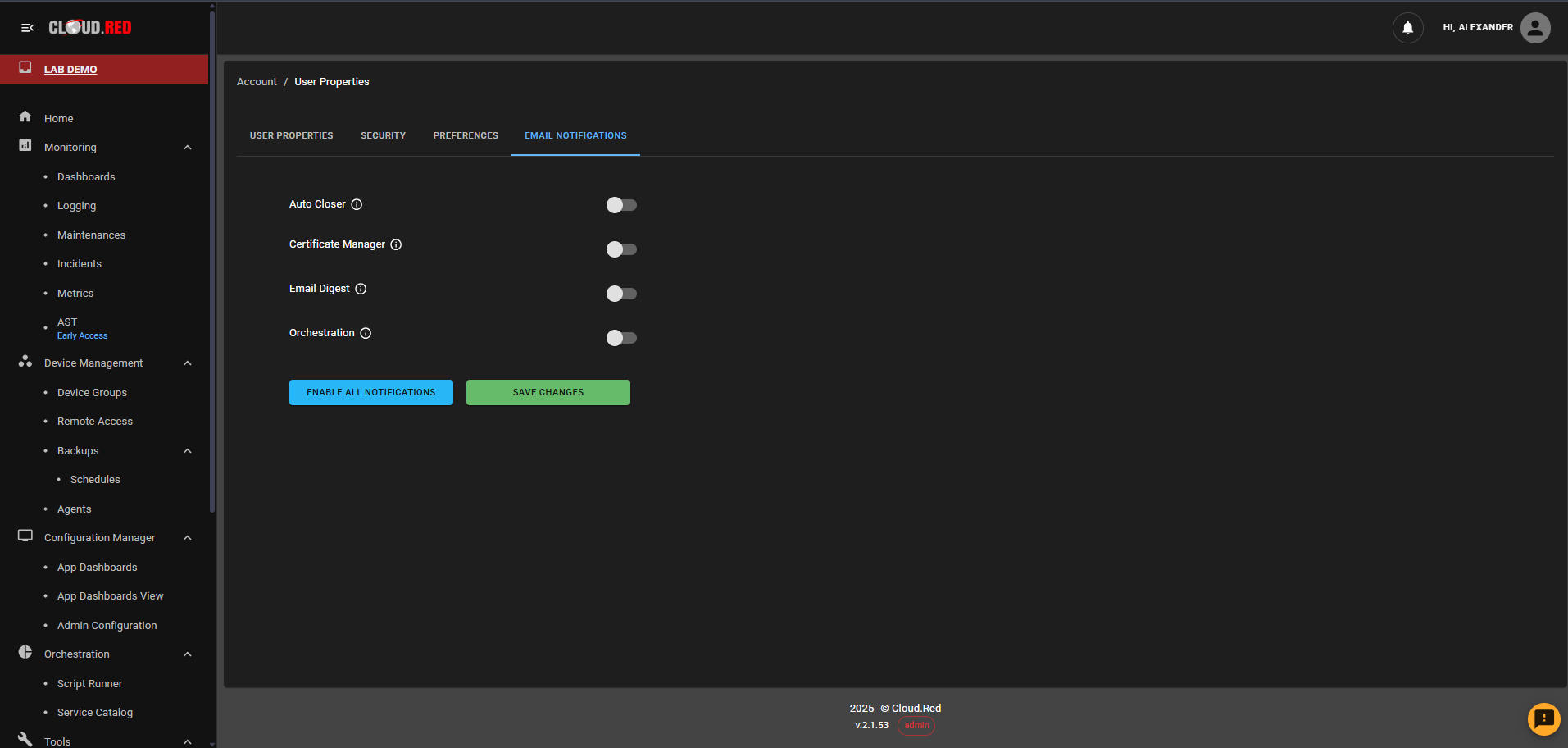
 Select the Email Notifications tab to enable or disable email notifications for various Cloud.Red services, including:\
**Auto Closer** - Notifies of alerts that have been closed after 7 days of inactivity.\
**Certificate Manager** - Notifies of expiring certificates found in Certificate Audit.\
**Email Digest** - Notifies of unacknowledges incidents.\
**Orchestration** - Notifies of any completed task that were enabled for email out in Script Runner and Solutions.
Select the Email Notifications tab to enable or disable email notifications for various Cloud.Red services, including:\
**Auto Closer** - Notifies of alerts that have been closed after 7 days of inactivity.\
**Certificate Manager** - Notifies of expiring certificates found in Certificate Audit.\
**Email Digest** - Notifies of unacknowledges incidents.\
**Orchestration** - Notifies of any completed task that were enabled for email out in Script Runner and Solutions.